Guide · Custom software
Building internal tools: when a custom web app is worth it
What internal tools are, when they beat off-the-shelf software and why a web application is often the most pragmatic way to run internal workflows.
 Till Täubrich Software & Entwicklung September 11, 2026 7 min read
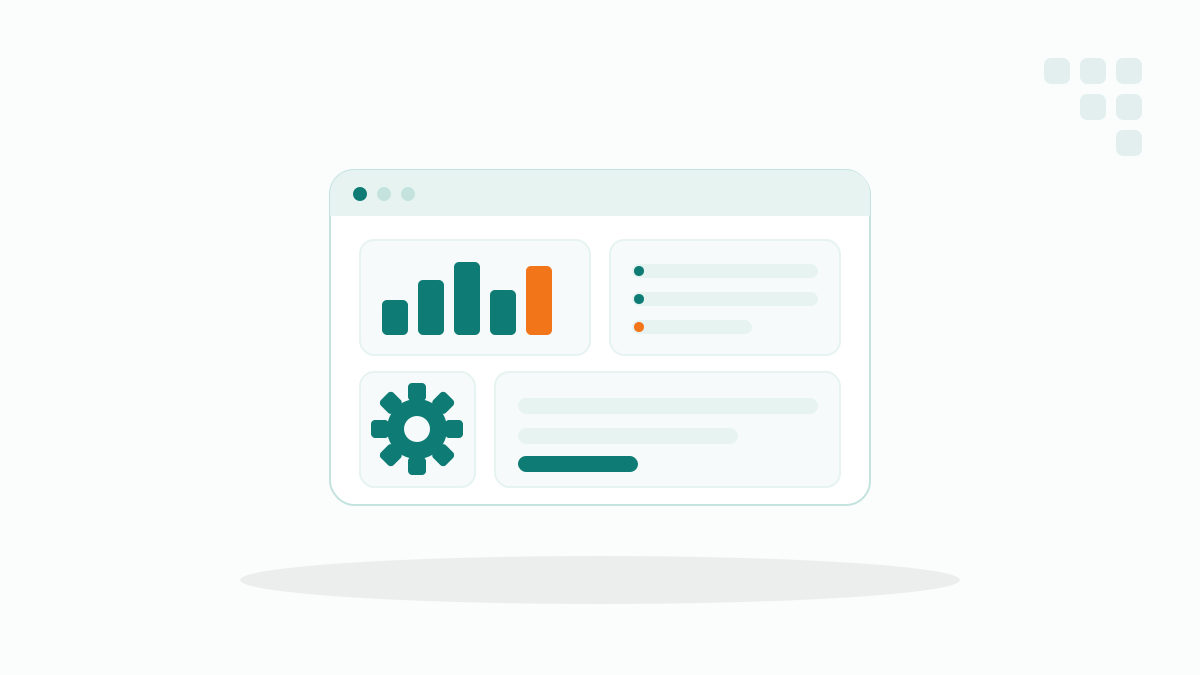
In many companies, internal work runs on a colourful mix of Excel sheets, email chains and half-fitting off-the-shelf programs. That works for a surprisingly long time, until it doesn’t. This is exactly where internal tools come in: small, custom web applications that map a recurring workflow cleanly, instead of building it around existing software.
- Internal tools are custom applications for internal workflows: dashboards, portals and data-capture apps that off-the-shelf software doesn’t cover.
- They pay off for recurring workflows: especially where your team improvises with workarounds and spreadsheets.
- A web app is particularly practical: it runs in the browser without installation, on any device, and connects to your existing systems.
- Tailored, not generic: an internal tool follows your workflow, not the other way around.
What are internal tools?
Internal tools are applications you don’t build for customers but for your own work inside the company. They cover exactly the workflows that off-the-shelf software doesn’t handle, or only handles awkwardly, and are usually kept deliberately lean.
In practice, several types fall under this:
- Dashboards. They bring key figures from different sources together in one place, for example revenue, open orders and stock levels at a glance.
- Portals. A protected area where employees, partners or customers see and edit certain data in a targeted way, without access to the whole system.
- Data-capture apps. Applications for entering data in a structured way, for instance times, material usage or inspection records, often right on site on a smartphone.
- Small line-of-business apps. A tool for exactly one operational workflow, such as an approval flow, a quote calculation or scheduling.
The common denominator: these are tailored tools for a specific internal purpose, not big do-everything systems.
In practice, most internal tools start as a spreadsheet that eventually gets out of hand: too many tabs, too many formulas, too many people writing into it at once. We then rarely rebuild everything; instead we pour exactly that grown workflow into a clean web application. That keeps the knowledge intact and makes the tool feel familiar from day one.
When is an internal tool worth it?
An internal tool is worth it once a recurring workflow regularly costs time and your existing software doesn’t map it cleanly. Three patterns are particularly reliable signs.
- The workflow repeats. Something happens daily or weekly, always to the same pattern, and is still done by hand every time.
- Your team works with workarounds. There’s the one notorious spreadsheet, shared folders with file versions like ‘final_v3’, or agreements that only exist in individual colleagues’ heads.
- Data sits in several systems. Information has to be pulled together from several systems because your ERP, accounting and spreadsheets don’t talk to each other.
The more of these apply, the bigger the lever. Conversely: if an off-the-shelf program covers the workflow properly, you don’t need a custom tool. An internal tool is the answer to a real gap, not to the wish for something of your own.
Rule of thumb: if a spreadsheet has become so important that nobody wants to touch it anymore for fear of breaking something, that’s a strong signal for an internal tool. The workflow is already business-critical; only the tool isn’t yet.
Why build it as a web application?
As a web application, an internal tool is the most straightforward in everyday use, because it runs in the browser and needs no installation. A web application simply means software you open via a link in the browser, instead of setting it up on every machine. That brings several concrete advantages in a company setting.
- No installation. Anyone with the link and an account is ready to go. No rollout on individual devices, no update rounds through IT.
- On any device. The same application runs on desktop, tablet and smartphone, in the office just as much as on the road.
- Connected to existing systems. A web application can be linked to your existing systems, such as your ERP or accounting, and pulls data where it already lives.
- Tailored to the workflow. It shows only the fields and steps your team actually needs, in exactly the order people work in.
A practical example: instead of three departments emailing a quote spreadsheet back and forth, everyone enters it in the same internal portal. Everyone sees the current status, approvals happen in one place, and the figures land automatically in the next system. The workflow stays the same; only the friction disappears.
How does this relate to custom software?
Internal tools are the pragmatic entry point into custom software: software tailored exactly to your workflows, instead of bending your workflows to fit a finished product. The difference is mainly the fit, not the size.
Many projects start exactly this small: with mobile data capture for the field team, or a customer portal that gives customers access to their own data. A working tool often grows into more over time, because the next sensible step reveals itself in everyday use.
The advantage of this approach: you connect to what exists instead of replacing it. Your ERP, your accounting and your grown processes stay in place; the internal tool sits on top as a lean layer and takes over the manual work.
Conclusion
Internal tools are worth it not because something of your own is nice to have, but because a recurring workflow noticeably costs time and nerves. As soon as your team keeps improvising with spreadsheets and workarounds, or laboriously gathers data from several systems, a custom web application is usually the more direct path.
The best entry point is not a big project but the one workflow that frustrates people the most. Solve exactly that, as a first usable version that grows with everyday work. From there you can expand step by step, towards a solution that fits your company precisely.
Frequently asked questions
What is an internal tool?
When is a custom web app worth it instead of off-the-shelf software?
Why build an internal tool as a web application rather than installed software?
Do I have to replace my existing software for this?
More articles

Custom software
How to spot a good software development partner
How to spot a good software development partner. What to look for, which warning signs to watch out for and how a good collaboration actually works.
Custom software
Replace Excel: when a custom app beats the spreadsheet
Excel eventually hits its limits. How to tell when a custom app instead of Excel pays off, and when the spreadsheet is perfectly enough.
Custom software
Having custom software built: process, timeline and pitfalls
How does a custom software project actually run? The phases, a realistic timeline and the most common pitfalls when you have custom software built.