
Guide · Custom software
Progressive Web App (PWA): what is it and when is it worth it?
What is a Progressive Web App, what can it do and when is it worth it compared to a native app? A clear overview for decision-makers in small and mid-sized companies.
 Till Täubrich Software & Entwicklung August 30, 2026 6 min read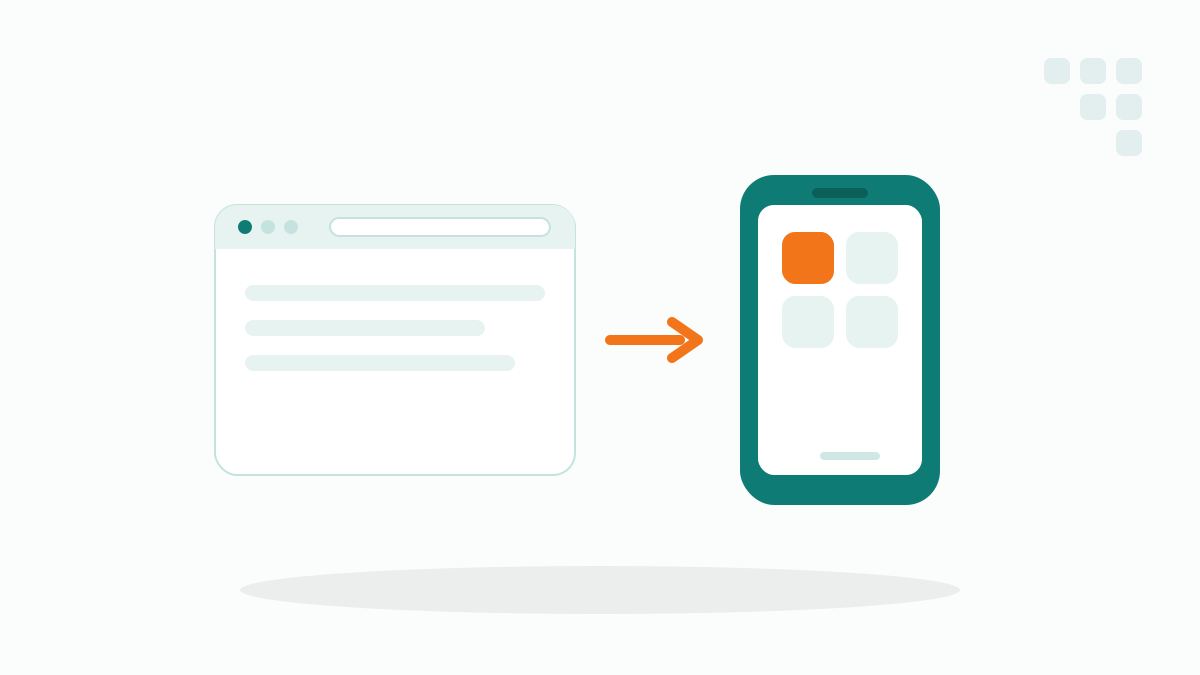
The term Progressive Web App comes up more and more often when mobile applications are discussed, and it often causes confusion. Is it a website or an app? Do you need the app store for it? And when is a PWA worth it compared to a classic native app? This overview sorts out the terms and helps you decide, without getting technical.
- A PWA is a web app that behaves like a native app: installable, offline-capable and with push notifications.
- One codebase for all devices: the same application runs on phone, tablet and desktop, without maintaining separate versions.
- No app store required: the PWA is installed straight from the browser, and updates arrive automatically.
- Not always the right choice: for deep device features or maximum performance, a native app is still superior.
What is a Progressive Web App?
At its core, a Progressive Web App is a web application, something that runs in the browser. The difference from a normal website: a PWA behaves like an installed app. You can add it to your home screen, it opens in its own window without an address bar, it works even without a stable internet connection, and it can send push notifications.
For your users, it feels like a familiar app. Technically, though, it stays a web app that you build once and deliver on any device, whether phone, tablet or desktop, whether Android or iPhone.
What can a PWA do and what can’t it?
The practical appeal of a PWA is that it combines the strengths of a website and an app. It’s instantly reachable via a link, without a store download, and can still be installed. In practice, these capabilities matter most:
- Installable. Users add the app to their home screen with one tap, with no app store involved.
- Offline-capable. Key content and functions stay usable without a connection, which matters especially for mobile data capture in the field.
- Push notifications. You can reach users actively, for example about new orders or status changes.
- One codebase for all devices. You maintain one application instead of separate versions for iOS, Android and web.
- Automatic updates. New versions arrive through the browser, so no one has to update manually.
But there are limits. Deep device features such as specialised sensors, Bluetooth accessories or heavy graphics are only partly reachable with a PWA, or not at all. On the iPhone, some functions are also more limited than on Android. If those points are central to your application, take a closer look before deciding.
PWA or native app: Which is better?
This question can’t be answered in one line, because both approaches have different strengths. The table below places a PWA, a native app and a classic website side by side so the differences become tangible.
| Criterion | Progressive Web App | Native app | Classic website |
|---|---|---|---|
| Installation | via browser, no store | via app store | no installation |
| Offline use | yes, limited | yes, full | no |
| Push notifications | yes (limited on iPhone) | yes, full | no |
| One codebase for all devices | yes | usually separate per platform | yes |
| Access to device features | limited | full | very limited |
| Effort and cost | medium | high | low |
| Updates | automatic via browser | via store, often with review | automatic |
Put simply: a classic website is enough when you mainly show information. A PWA is worth it when users work with an application, open it regularly and are sometimes offline, at a manageable cost. A native app is the right choice when you need deep device features, demand maximum performance, or a presence in the app store matters.
In practice, many mid-sized companies get surprisingly far with a PWA, especially for internal tools like mobile data capture or order management. The big lever is the one shared codebase: you pay for and maintain one application instead of three. We only recommend a native app once a concrete feature genuinely forces it, not on a hunch.
When is a PWA worth it in a business context?
A PWA is especially useful where employees or customers use a tool regularly on their phone and still shouldn’t be tied to an app store. Typical cases are mobile data capture in the field, digital checklists, order and service management, or customer portals.
The advantage shows up in daily use: there are no store approval processes, no separate versions for iOS and Android, and no installation hurdle. Whoever has the link is ready to go in seconds. That’s exactly why a PWA fits the idea of custom software that’s tailored precisely to your workflows and grows with them.
Rule of thumb: if your application mainly displays, captures and syncs data, for example with mobile data capture, a PWA is usually the faster and cheaper route. Only when specific device features are strictly required does the jump to a native app pay off.
How do you best approach a PWA?
As with any web application, the rule holds: don’t start with the biggest feature set, but with the one workflow that makes the most difference. Often that’s a capture or management function that today still runs on paper or in messy spreadsheets.
From that first usable version, it quickly becomes clear whether the PWA holds up in everyday work and where the next sensible step lies. That way the choice between a PWA and a native app isn’t a matter of principle at the start, but a question you can answer against concrete requirements.
Frequently asked questions
Is a PWA a website or an app?
Can I offer a PWA without the app store?
Does a PWA run on the iPhone too?
When should I have a native app built instead?
More articles
Custom software
Replace Excel: when a custom app beats the spreadsheet
Excel eventually hits its limits. How to tell when a custom app instead of Excel pays off, and when the spreadsheet is perfectly enough.
Custom software
Having custom software built: process, timeline and pitfalls
How does a custom software project actually run? The phases, a realistic timeline and the most common pitfalls when you have custom software built.

Custom software
What does custom software cost? Prices, models and cost factors
What custom software costs comes down to a few factors. A clear overview of pricing models, cost drivers and why starting small keeps the investment predictable.